
// Own Product

MatchLog
Turn match reviews into measurable data.
 iOSAvailable on the App Store
// Overview
Turn your match records into your next win. MatchLog is a match-logging and analysis app built for tennis players. Keep your scores, tournaments, and opponents in one place, with win rates and results tallied automatically by opponent, tournament, and round — turning gut-feel reviews into measurable data.
Build up tendencies and notes for each opponent to prepare for your next match. Record your good points, challenges, and warmup for every match, then wrap the results into a report to share with your coach. Start free, and unlock unlimited match logs, unlimited opponent notes, and full all-time stats and trends with Pro.
// Features
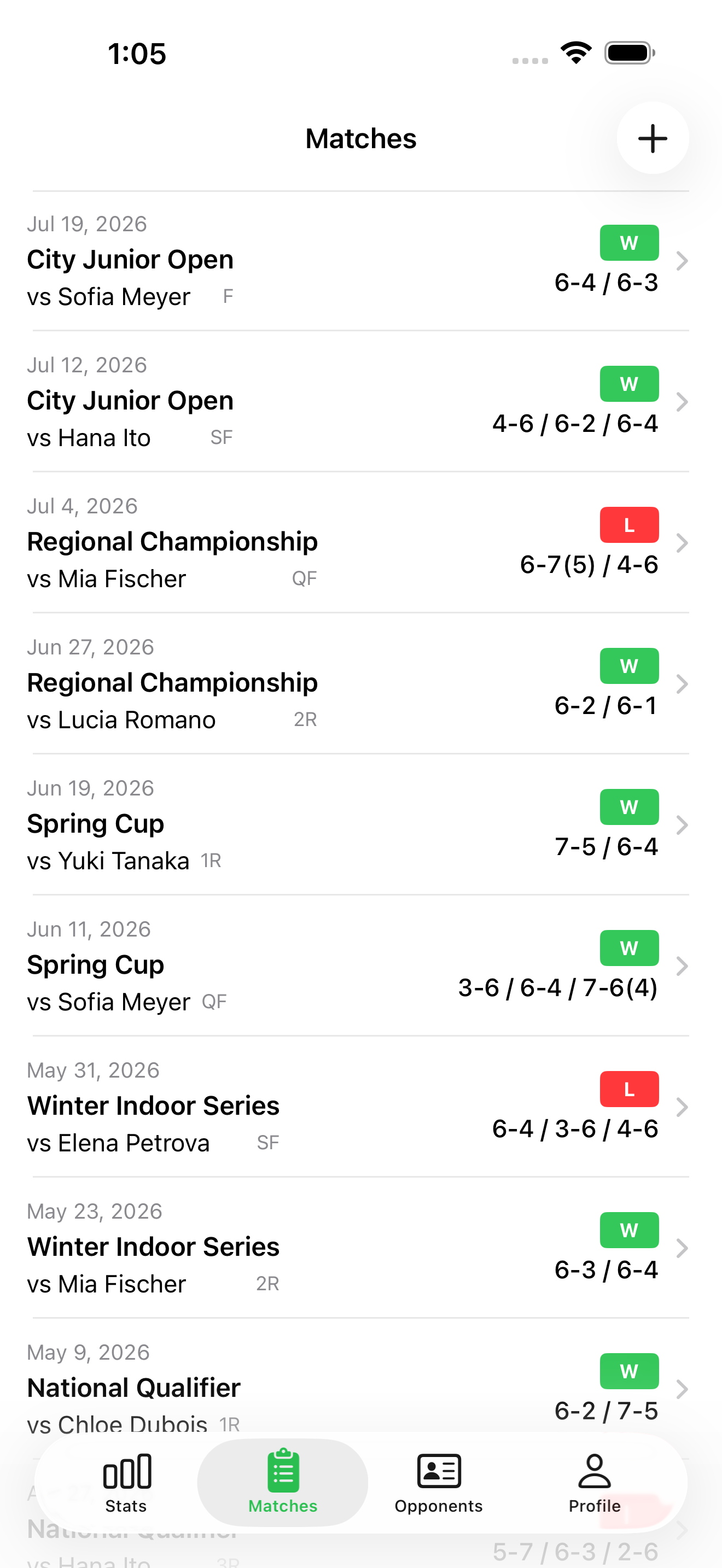
- ▸Record scores (sets, games, tiebreaks) and results for every match
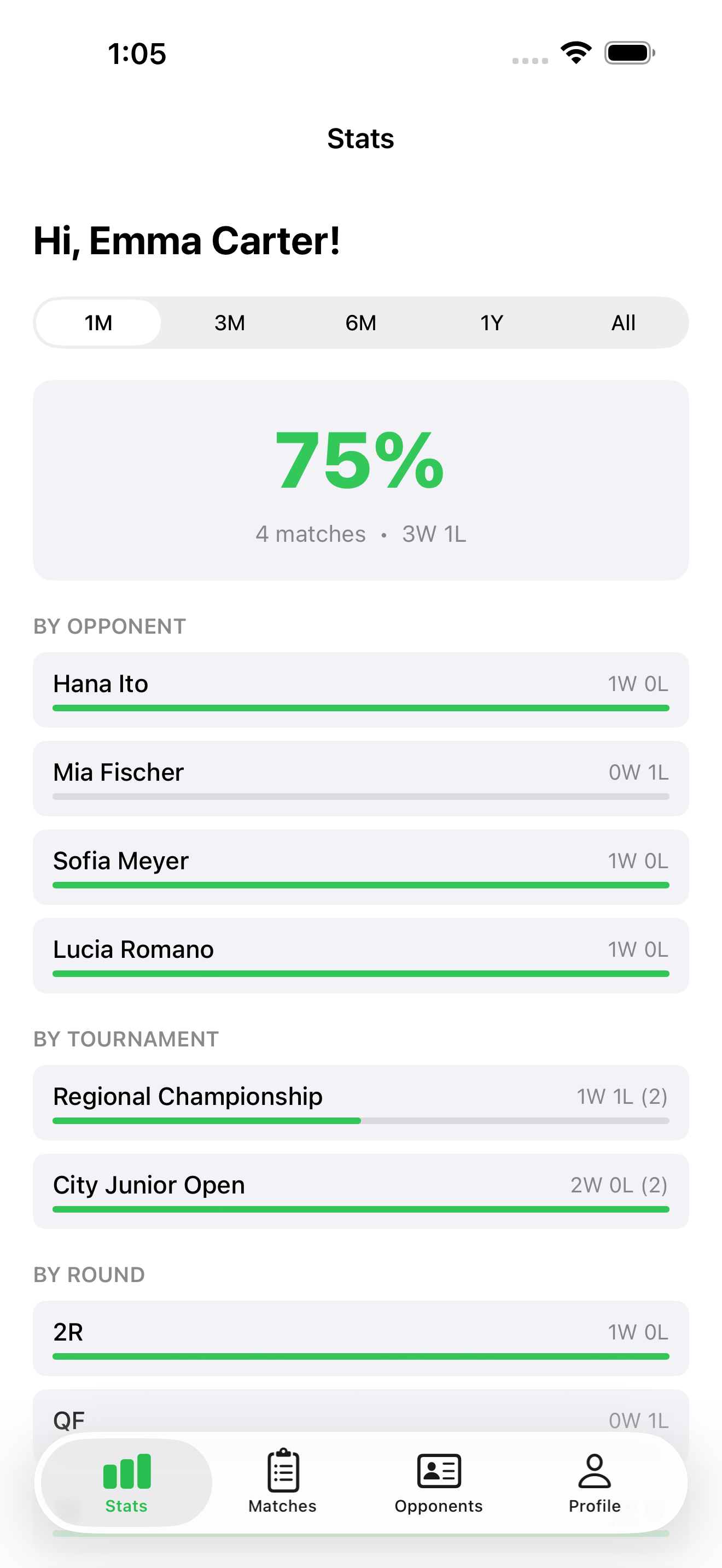
- ▸Auto-aggregate win rate, total matches, and record by opponent, tournament, and round
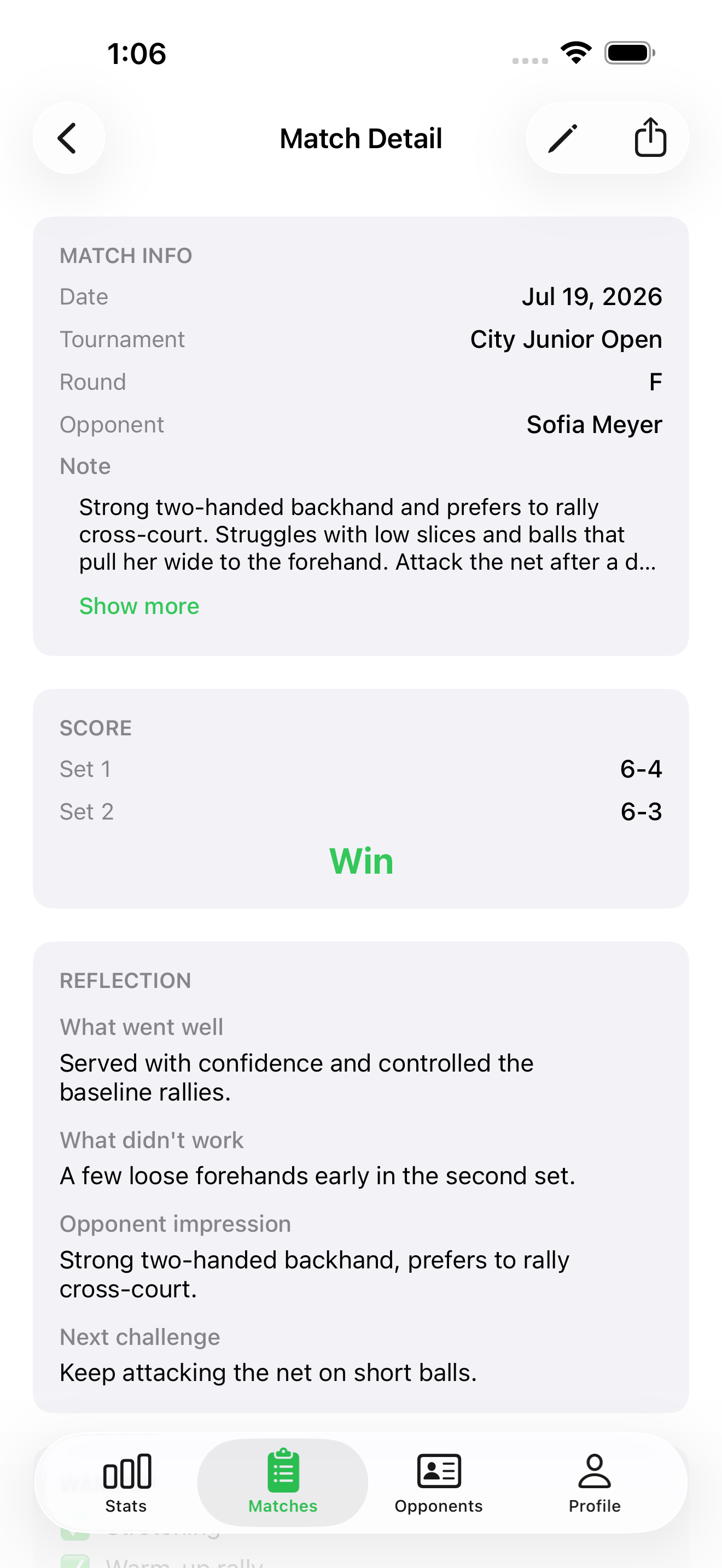
- ▸Reflection notes for good points, challenges, opponent impressions, and next goals
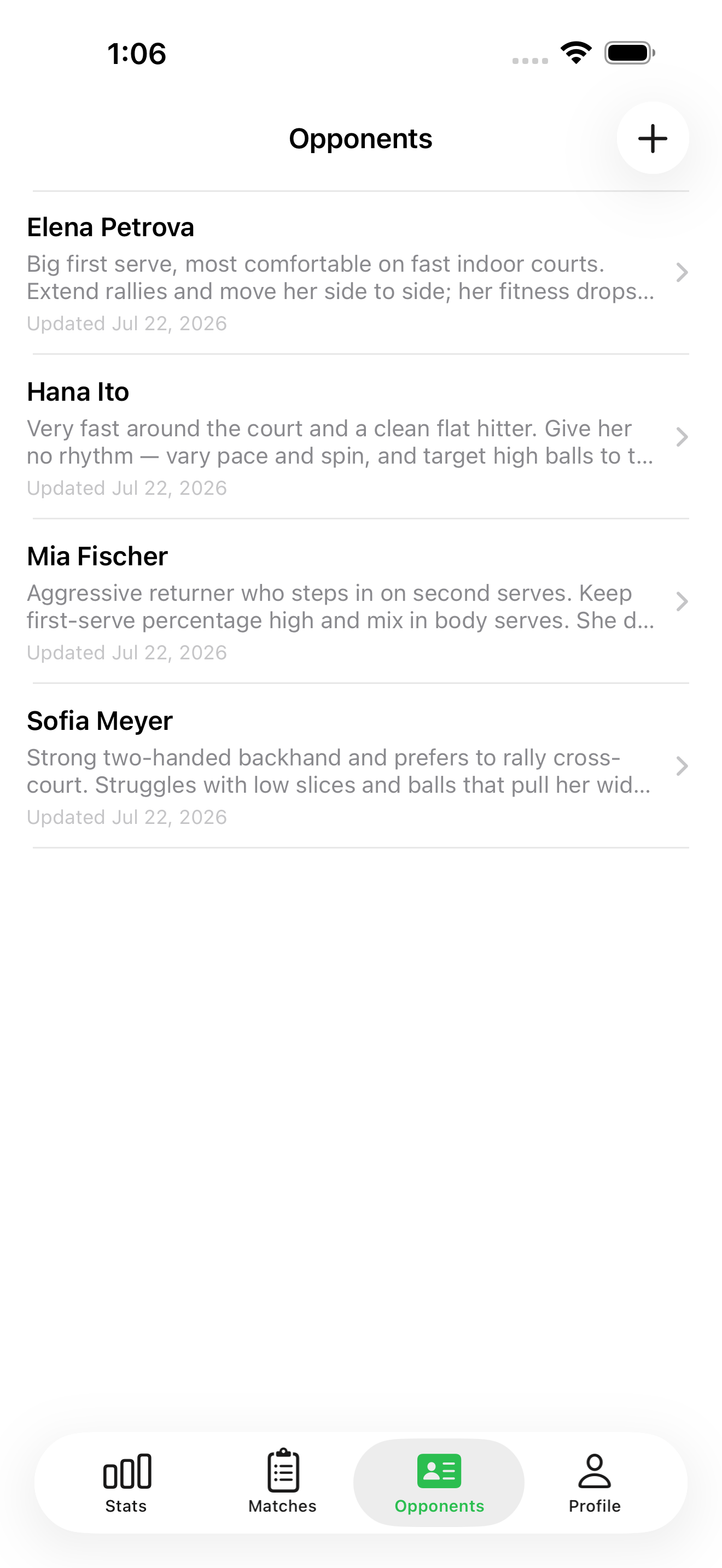
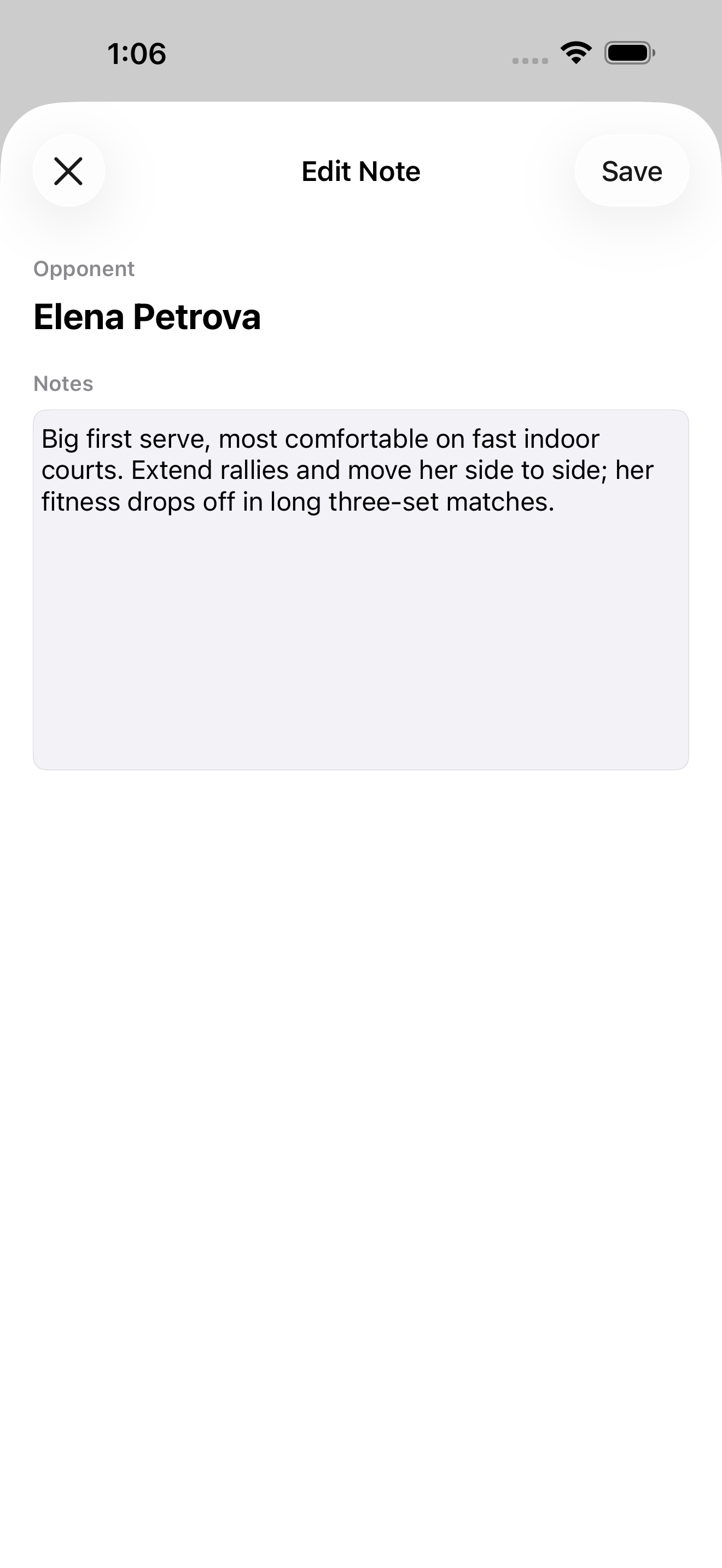
- ▸Per-opponent notes that build up tendencies and game plans, and carry across every rematch
- ▸A warmup checklist for stretching, rallying, hydration, and focus
- ▸Tournament and opponent names autocomplete from your history — logging gets faster the more you use it
- ▸Turn any match into a clean text report and share it by email, copy, or the standard share sheet
- ▸Connects with CoachBook — send match reports to your coach and receive their feedback
- ▸Sign in with email, Apple, or Google, with data safely stored in the cloud so switching devices is worry-free
// Integration
CoachBook × MatchLog integration
Available in CoachBook 2.0.0 and MatchLog 2.0.0
CoachBook, used by the coach, and MatchLog, used by the player, now work together. Link a coach and a player with an invite code or QR code, and the match reports the player logs arrive in the coach's inbox, ready to review and approve into that player's match records.
Feedback from the coach lands in the player's MatchLog with a notification, and stays readable any time in the new Coach tab. Display names and avatars sync automatically too — so daily records feed straight into the coaching cycle, with no roster retyping and no chasing messages across chat apps.
// What you can do in MatchLog
- ▸Connect with your coach — link via invite code or QR code
- ▸Send the match reports you log straight to your coach from the app
- ▸Receive and read your coach's feedback in the new Coach tab, with notifications
- ▸Edit your display name — your name and avatar sync to your coach automatically
// Screenshots
// Legal